Plan the search area
Attach the boundary, priority zones, access routes, and observation requirements before assigning aircraft.
For search coordinators and emergency response teams
Describe the search area, divide the work between available aircraft, and keep the ground team informed. Aeros brings the search boundary, completed coverage, and areas needing another pass into one mission workspace.
Your fleet. Your flight systems. Your team in control.
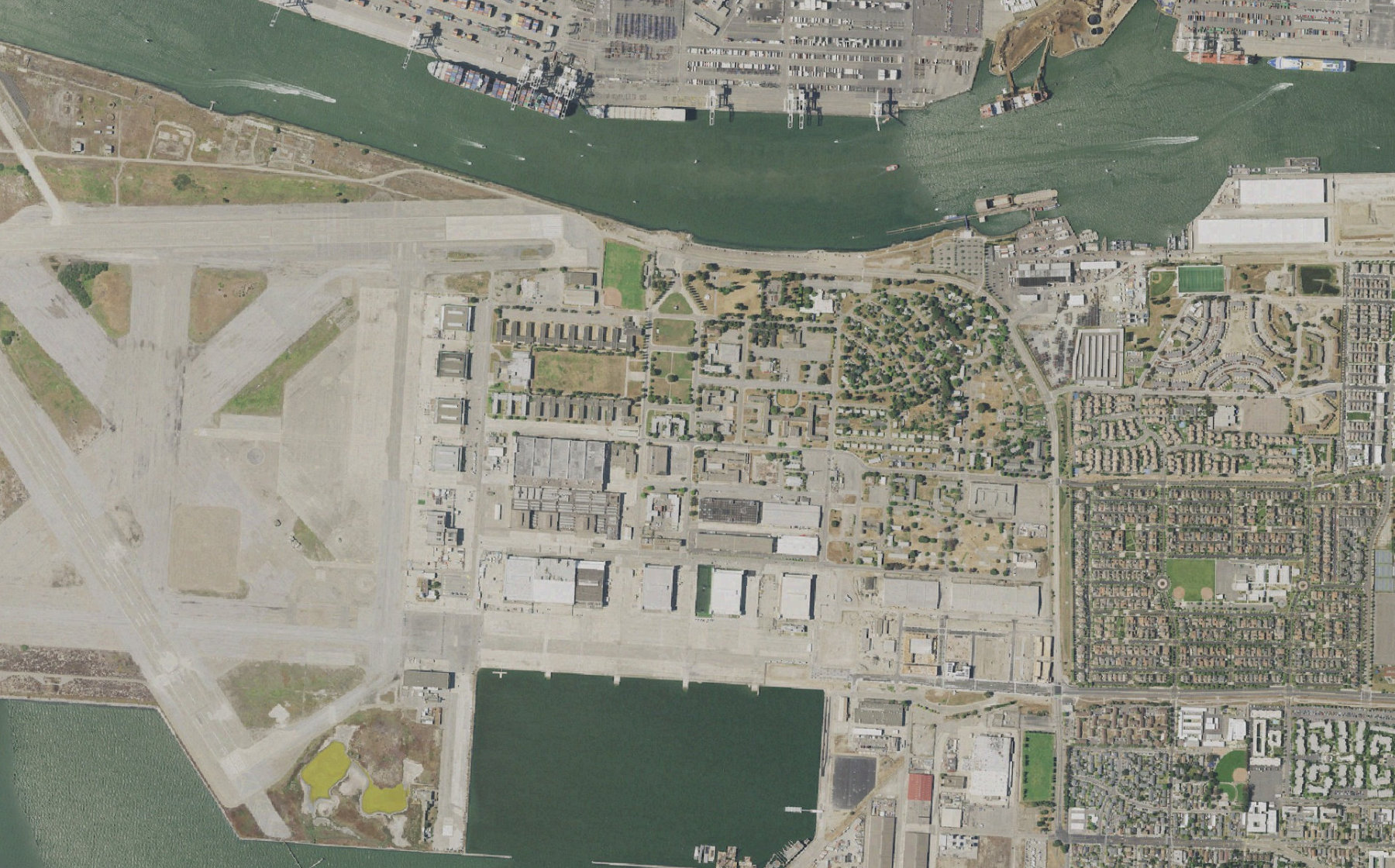 A-04 · Scene view
Waterfront · 3 search sectors
Attach the boundary, priority zones, access routes, and observation requirements before assigning aircraft.
Prioritize supported thermal or visual payloads and check aircraft readiness and operator responsibility.
Keep completed sectors, field observations, and open questions visible as priorities or aircraft change.
Inside the mission
This illustrative search divides a waterfront area between three aircraft. See how a field update changes the priority area without losing the original coverage record.
 aeros/Mission control
Sectors completed · Waterfront
Show the completed sectors and the area that needs another pass.
The north and access sectors are complete in this example. The eastern sector remains open; completed coverage is not a finding of absence.
From request to result
A search can cross shifts, aircraft, and teams. Keep the boundary, completed work, and remaining questions attached to the operation throughout those changes.
Define the search area and priority locations. Include the observation objective, time window, access constraints, and ground-team coordination needs.
Match supported aircraft and payloads to each area. Review the proposed routes, battery reserves, and operator assignments before execution.
Keep available scene imagery and field reports tied to their location. Mark areas for another look; a completed flight does not establish that a person or object is absent.
When the priority area changes, review revised assignments and retain completed coverage. Export the search timeline and outstanding areas for the next team.
Connect your operation
Aeros is a software layer for existing drone operations. Start with one workflow, confirm the supported connections, and validate it with your operating team.
Search boundaries, priority areas, supported aircraft and payloads, team contacts, and search procedures.
Payload availability, visibility and weather, operating limits, operator responsibility, and launch-site access.
Sector coverage, location-linked observations, areas requiring another pass, and a handover summary.
Supported data and actions vary by aircraft, dock, and provider API. Flight execution, connectivity, operator qualifications, and required authorizations remain part of your operation. We agree those dependencies before deployment.
Practical questions
The workflow shown here coordinates aircraft and search coverage. It does not claim automatic person detection or identification. Trained teams review imagery and observations and decide what requires further attention.
Payload requirements can guide the plan when the relevant aircraft and data are connected. Thermal imagery depends on the installed sensor, environmental conditions, and provider support. The thermal view on this website is simulated.
The search boundary, completed sectors, outstanding areas, observations, and operator decisions should stay with the mission. The next assignment is reviewed against that remaining work.
Built around the way you operate
Show us your fleet, the systems you use, and one job you want to coordinate. We’ll define the connections, review points, and outputs together.
Talk to the Aeros team