Plan around the assets
Bring locations, inspection priorities, payload requirements, and completion windows into the same job.
For utilities, asset owners, and inspection operators
Tell Aeros what needs inspecting, where it is, and when the work must be done. Build missions around your existing aircraft, review the plan, and keep every asset tied to its inspection record.
Your fleet. Your flight systems. Your team in control.
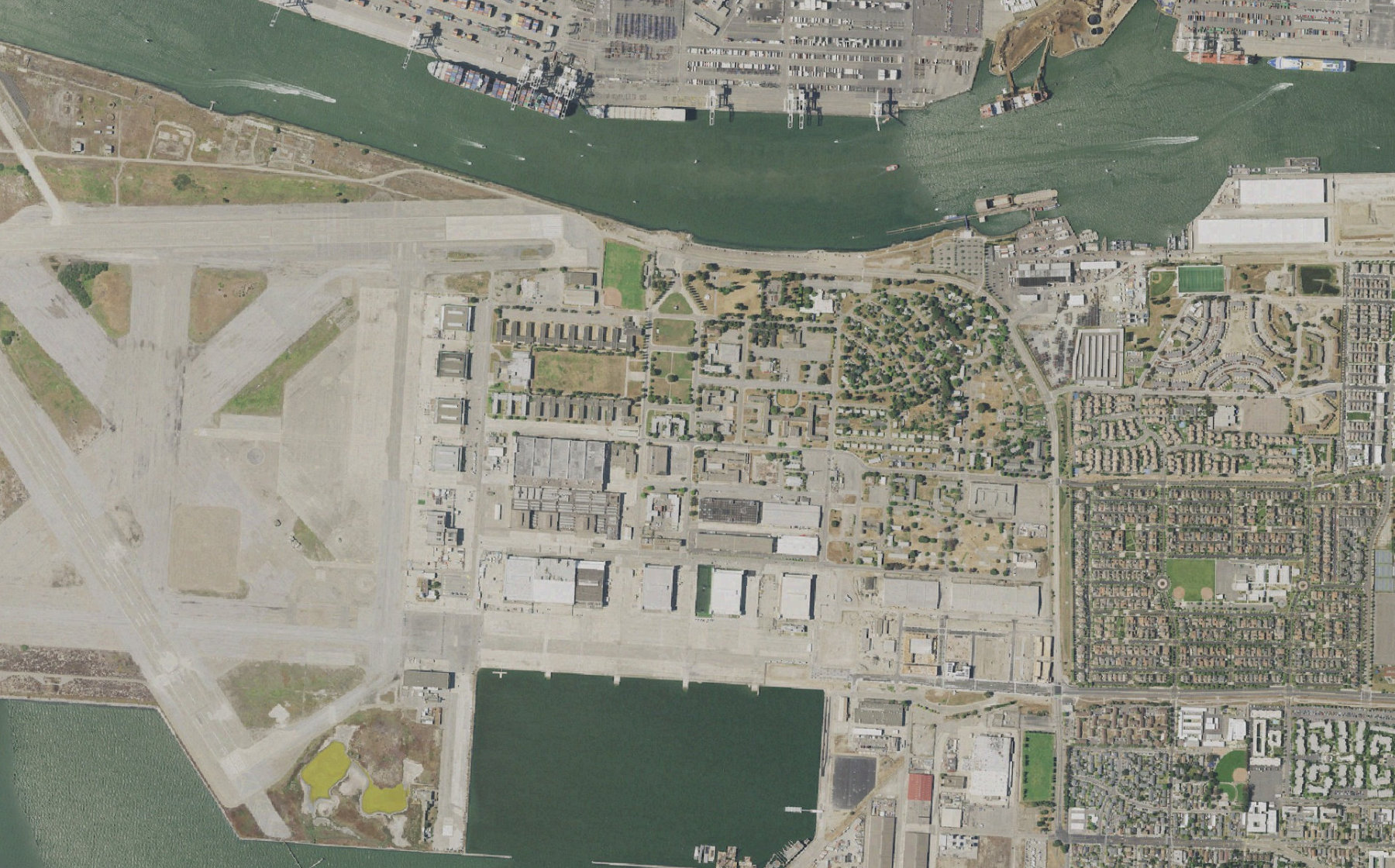
Inspect the north district. Prioritize the waterfront and finish before 07:00.
120 assets located in the connected asset register. The completion window and priority area are attached to the job.
Bring locations, inspection priorities, payload requirements, and completion windows into the same job.
Match connected aircraft and providers to each area using payload fit, battery state, launch sites, and operator availability.
Track completed passes, observations needing review, and work that must be reassigned or flown again.
Inside the mission
In this illustrative mission, 120 waterfront assets become six assignments. Explore the plan, a changing wind window, and the final coverage record. The numbers describe this example only.
 aeros/Mission control
Check the next launch window against our operating limits.
Weather, airspace notices, aircraft limits and launch-site status are aligned to the same mission window.
From request to result
A wind change or unavailable aircraft should leave a clear list of affected work. Aeros brings the remaining assets and possible next steps back to the operator.
Choose the asset register or work order, required imagery, priority sites, and deadline. Review the interpreted scope before creating assignments.
Check weather and airspace information alongside aircraft limits, battery reserves, dock state, and required approvals. Missing or stale information stays visible.
Assign supported aircraft to separate areas. Follow progress against the original asset list and review a revised plan when conditions affect an assignment.
Bring together completed coverage, flagged observations, open work, and operator decisions. Agree the file formats and work-order connection during setup.
Connect your operation
Aeros is a software layer for existing drone operations. Start with one workflow, confirm the supported connections, and validate it with your operating team.
Asset locations, inspection criteria, connected fleet and dock data, and your operating limits.
Payload suitability, launch-site availability, current conditions, return reserves, and approval ownership.
Mission status, coverage by asset, observations for review, incomplete work, and an exportable decision history.
Supported data and actions vary by aircraft, dock, and provider API. Flight execution, connectivity, operator qualifications, and required authorizations remain part of your operation. We agree those dependencies before deployment.
Practical questions
Aeros coordinates the work and keeps its results attached to the mission. Specialist defect analysis, photogrammetry, and asset-management tools can remain part of your workflow. Required connections and output formats are scoped with your team.
That is the purpose of a vendor-neutral dispatch layer. Aircraft and providers must have a supported integration; the mission plan also needs to account for payloads, flight limits, launch sites, and operating responsibility.
Keep the completed work, affected assets, and reason for interruption together. The operator can review a delay, revised assignment, or return plan instead of rebuilding the job from the beginning.
Built around the way you operate
Show us your fleet, the systems you use, and one job you want to coordinate. We’ll define the connections, review points, and outputs together.
Talk to the Aeros team