Task in plain language
Describe the location, what needs to be observed, and the aircraft or payload requirements. Review the interpreted task before dispatch.
For public safety and site response teams
Give Aeros the incident location and the aerial support you need. Review the available aircraft, coordinate the response, and keep the operator and field team working from the same mission context.
Your fleet. Your flight systems. Your team in control.
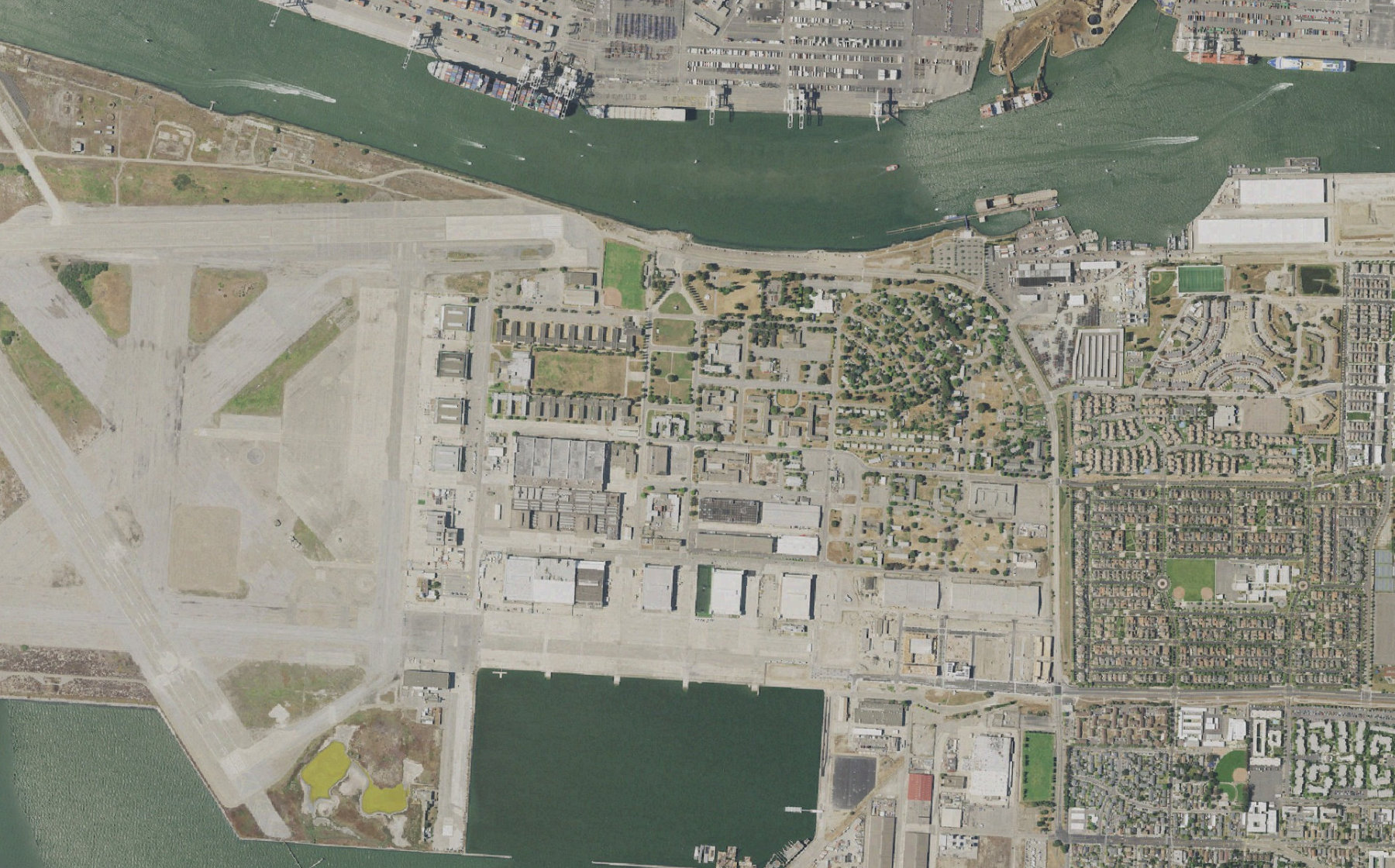 A-04 · Scene view
Pier 3 · waterfront
Describe the location, what needs to be observed, and the aircraft or payload requirements. Review the interpreted task before dispatch.
Bring available imagery, aircraft status, operator notes, and field updates together under one incident.
When a battery reaches return reserve, compare a relief assignment while preserving the scene and mission record.
Inside the mission
An alarm at Pier 3 becomes a reviewed mission with two aircraft assignments. Explore the scene view, a battery handover, and the incident summary in this scripted preview.
 aeros/Mission control
A-04 needs to return. Keep coverage at the waterfront.
A-04 is approaching return reserve. Remaining coverage, observations and aircraft state stay attached to the mission.
From request to result
Aeros coordinates the mission above your existing flight systems. Your operating team reviews the plan, authorizes changes, and remains responsible for flight decisions.
Attach an incident location, observation objective, priority, and field contact. Confirm the address or map location before planning.
Compare supported aircraft by readiness, payload, launch site, and available operator. Surface weather, airspace, or policy constraints before approval.
Keep available scene imagery and the latest operator observations attached to the incident. Field acknowledgements belong to the same record.
Review replacement coverage before an aircraft returns. Preserve the timeline of assignments, handovers, and operator decisions for the debrief.
Connect your operation
Aeros is a software layer for existing drone operations. Start with one workflow, confirm the supported connections, and validate it with your operating team.
Incident locations, approved launch sites, supported fleet connections, field contacts, and response procedures.
Aircraft and payload readiness, operator availability, conditions, airspace information, and configured flight limits.
A shared incident timeline, available scene context, aircraft handover history, and a mission summary.
Supported data and actions vary by aircraft, dock, and provider API. Flight execution, connectivity, operator qualifications, and required authorizations remain part of your operation. We agree those dependencies before deployment.
Practical questions
Aeros is the dispatch and coordination layer for an existing operation. Aircraft, docks, connectivity, flight-control software, trained operators, and any required authorizations must be in place. We scope those dependencies before connecting a workflow.
The request becomes a structured plan for operator review. The preview demonstrates that approval step. Operational execution depends on the connected flight system, permissions, and your approved procedures.
The intended workflow keeps available imagery, observations, and acknowledgements attached to one incident. Video access and sharing depend on the provider connection and your access rules. The website shows a local demonstration.
Built around the way you operate
Show us your fleet, the systems you use, and one job you want to coordinate. We’ll define the connections, review points, and outputs together.
Talk to the Aeros team